
Soul Storm: find it, quell it, collect your loot
Soul Storms are a post-story activity in Minecraft Dungeons II. Find the active storm on your game map, reach its area and destroy 3 Storm Generators before your in-game countdown runs out. If a start notification appears without a location, check both the Overworld and The Sift map tabs. A notification alone does not tell you where to travel.
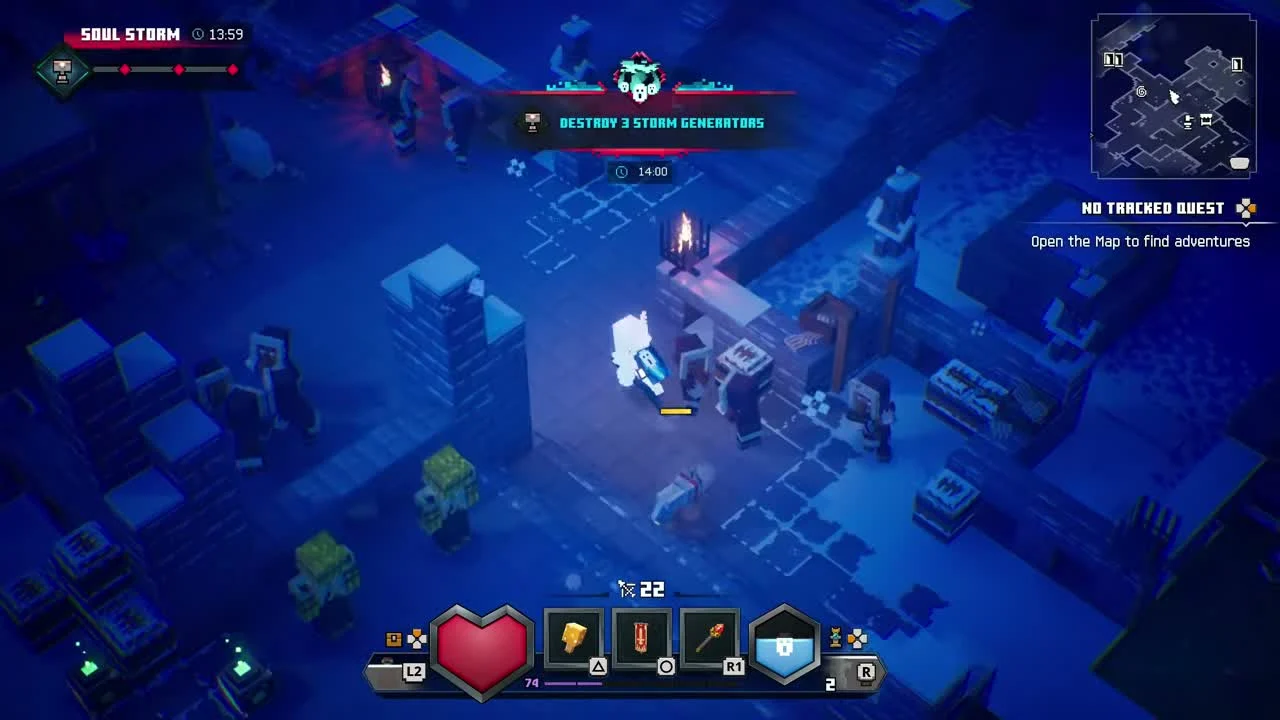
Follow the active encounter
Finish the story first
Soul Storms belong to the post-story game. Entering the Sift early in the campaign is a separate step. If you are still finding your way in, use the Sift entrance guide.
Check both map tabs
Look for the ongoing storm on your own map. Check Overworld and The Sift before choosing a destination. Use the Sift map and travel guide for travel between areas; a map of possible locations does not mean a storm is active there now.
Destroy three generators
Follow the on-screen generator objective and watch the remaining-time display. Fight through the surrounding mobs and complete all three targets. Use the clock in your game to decide how much time you have left.
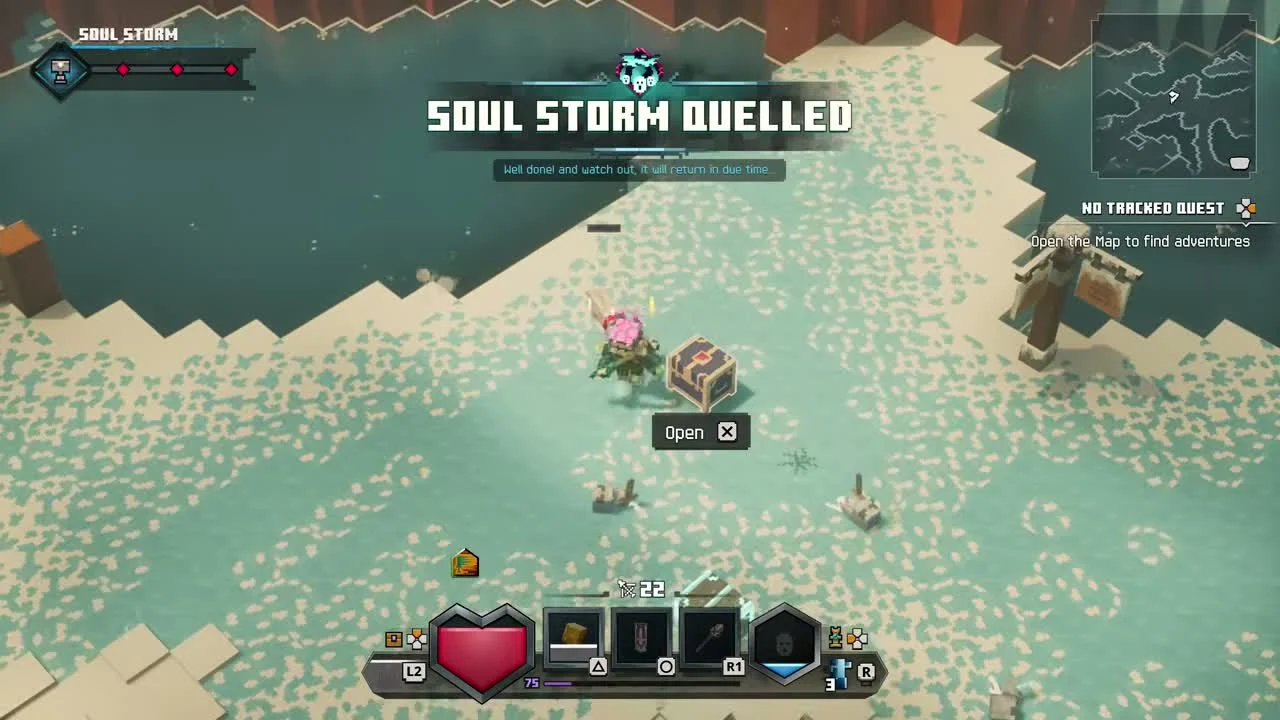
Open the reward chest
When the completion message says “Soul Storm Quelled,” collect the chest and inspect the equipment you receive. Do not plan your run around a guaranteed unique item or a particular set of gear effects.
Your remaining-time reminder
Read the countdown in your game, then enter its minutes and seconds here. This is your personal timer. It does not detect a storm, predict the next one, or show official live status.
Saved for this browser tab when storage is available. Returning to the tab recalculates the remaining time. A paused game or a changed computer clock can make this reminder differ from your game; enter the new value to replace it.
Personal countdown
—:—
Loading your tab timer…
What the clock can tell you
The countdown tells you how much time remains in the encounter you can see. It does not establish a fixed worldwide start time or a guaranteed rotation. This guide does not offer a global schedule.
If you arrive partway through a storm, enter its current minutes and seconds in the personal reminder above. If the game ends the encounter early, clear the reminder. The game remains the place to check whether the storm is active.
Started, but nowhere to go?
Three independent players have reported a start notification with no map location, or a start message immediately followed by an end message. These are player reports. They do not establish an official diagnosis or a confirmed fix.
I have not finished the story
Continue the campaign first. A glowing rift into the Sift is not the same activity as a post-story Soul Storm. Check how the Sift entrances work if these two encounters are getting mixed up.
I received a start message, but there is no marker
Open the map and check both Overworld and The Sift. If you received the message inside a dungeon, compare the map and any current countdown after returning outside. If no active location appears, keep a screenshot of the notification and both map tabs. A predicted time from another website cannot confirm what your game is doing.
The start message is immediately followed by an end message
Do not start a fresh timer from the notification. Record the two messages, your platform, game version, story completion and whether you were in a dungeon or multiplayer session. Send those details to Minecraft Support. There is no confirmed workaround here.
The game crashes or multiplayer disconnects
Treat a crash or connection failure as a broader game problem. Record the error text and platform rather than assuming the storm timer caused it. See Dungeons II platforms and compatibility, then contact support with the error details.
For your next Sift trip, plan the journey with the map and travel guide, then check the Sift mobs you may encounter.